
Say what’s
on your mind.
An AAC app for everyday
conversations.
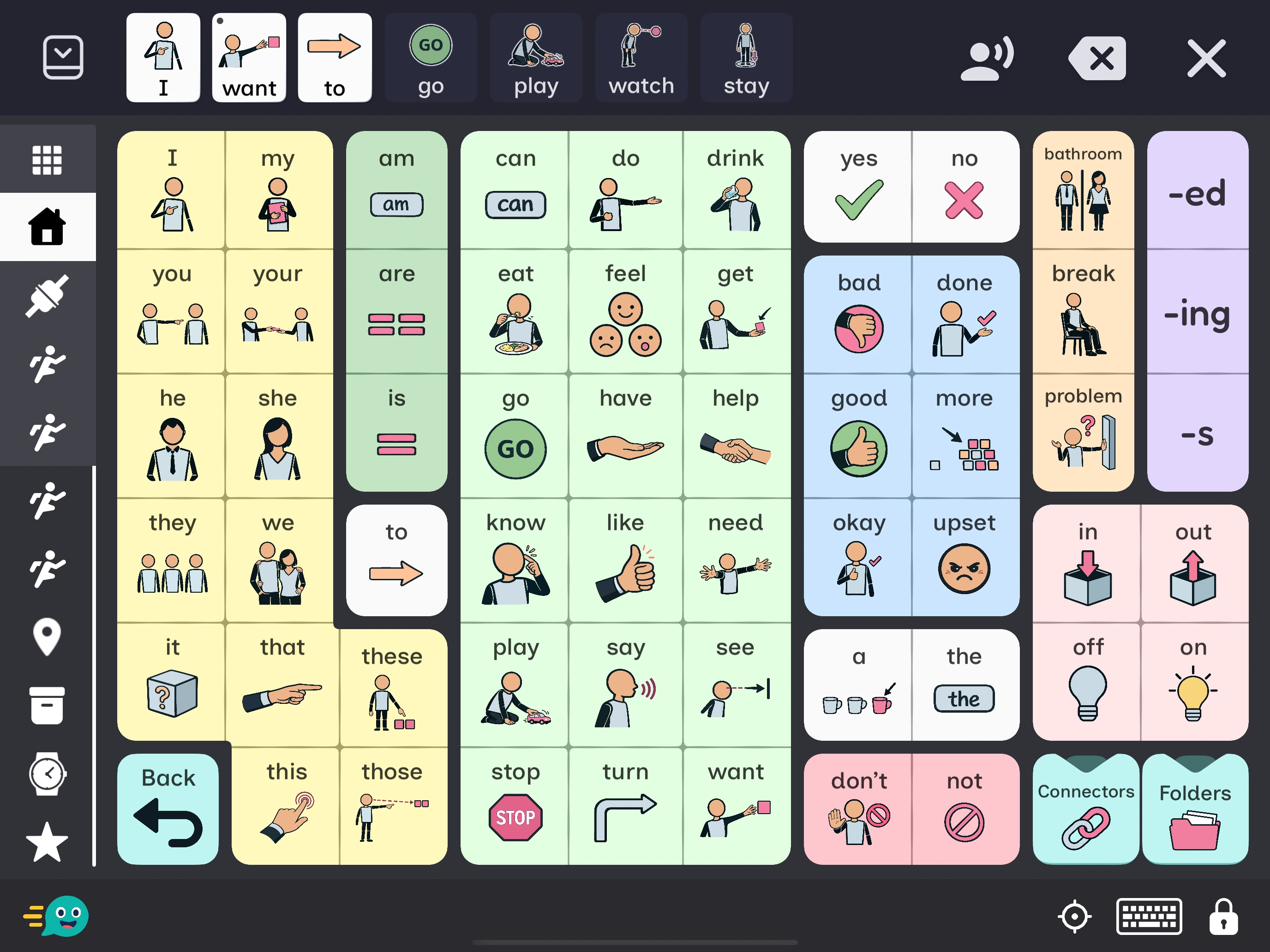
Start with familiar words and pictures. Make it your own as your vocabulary grows.


iPhone, iPad & Android Free to download
For children and adults who use AAC.
For families, educators, and communication partners.
View features01 Vocabulary
Start with words
you know.
Everyday needs, favorite things, and plenty to talk about.
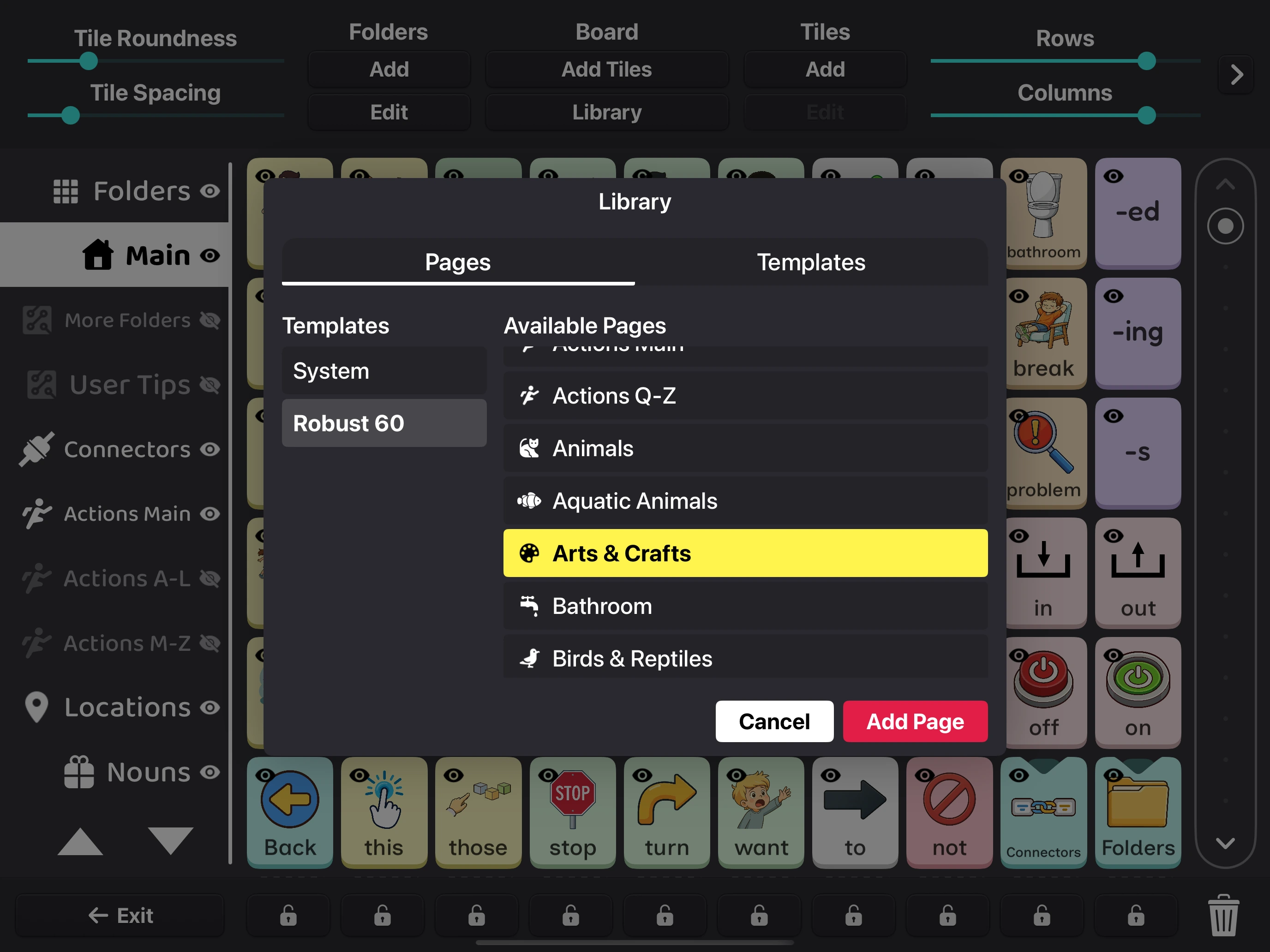
Browse the Library for pages you can use right away, then change them to suit your day.
Food
 apple
apple
 banana
 pizza
pizza
Places
 home
home
 school
 park
park
My interests
 read
read
 sing
sing
 crossword
02 Scene pages
Talk about
what you see.
A familiar picture can be a starting point for conversation.
Use a photo or illustration to make a Scene page. Add words to parts of the picture, then tap to speak them.
Explore an ice cream shop, a playground, and the ocean here.
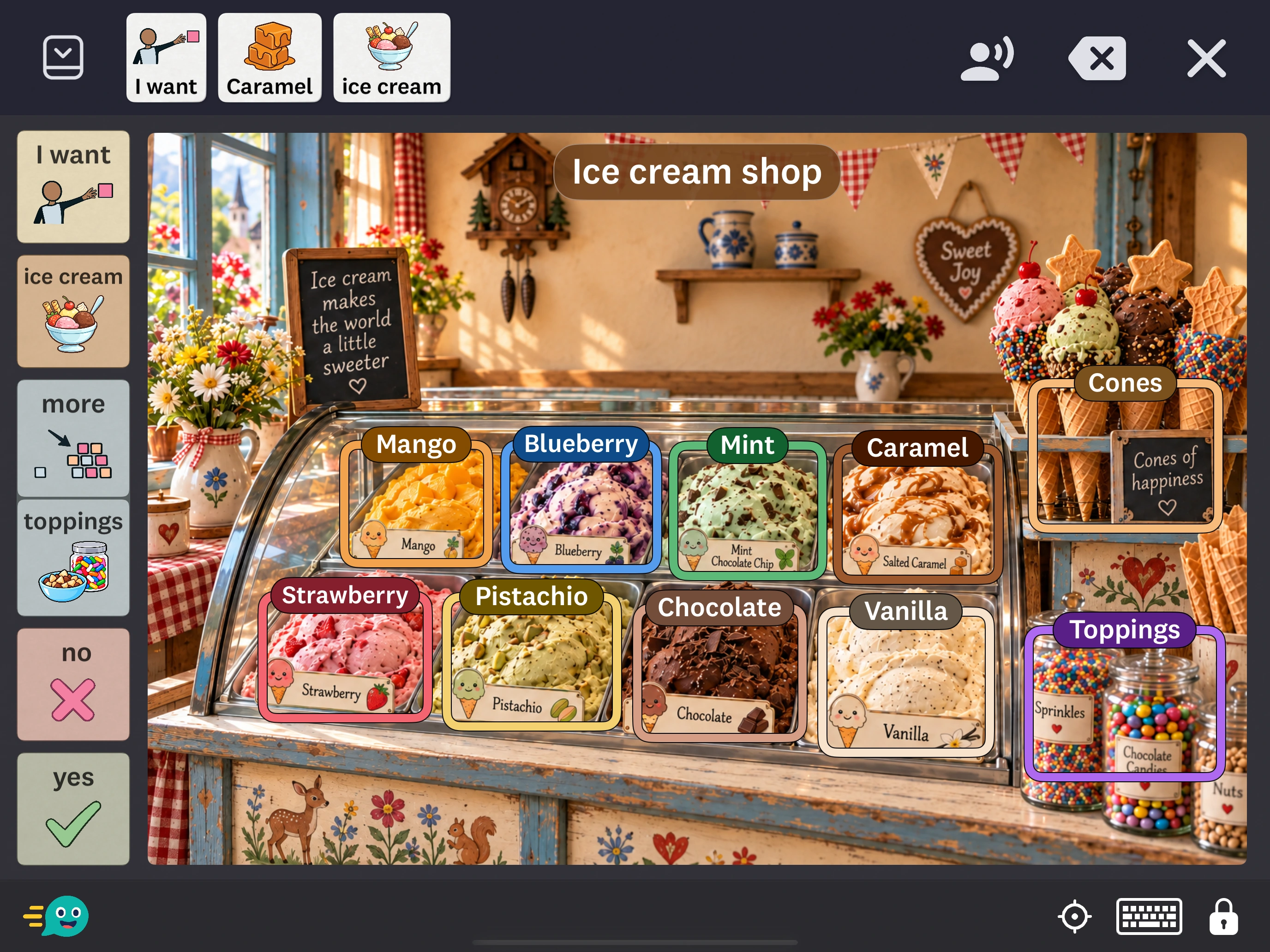
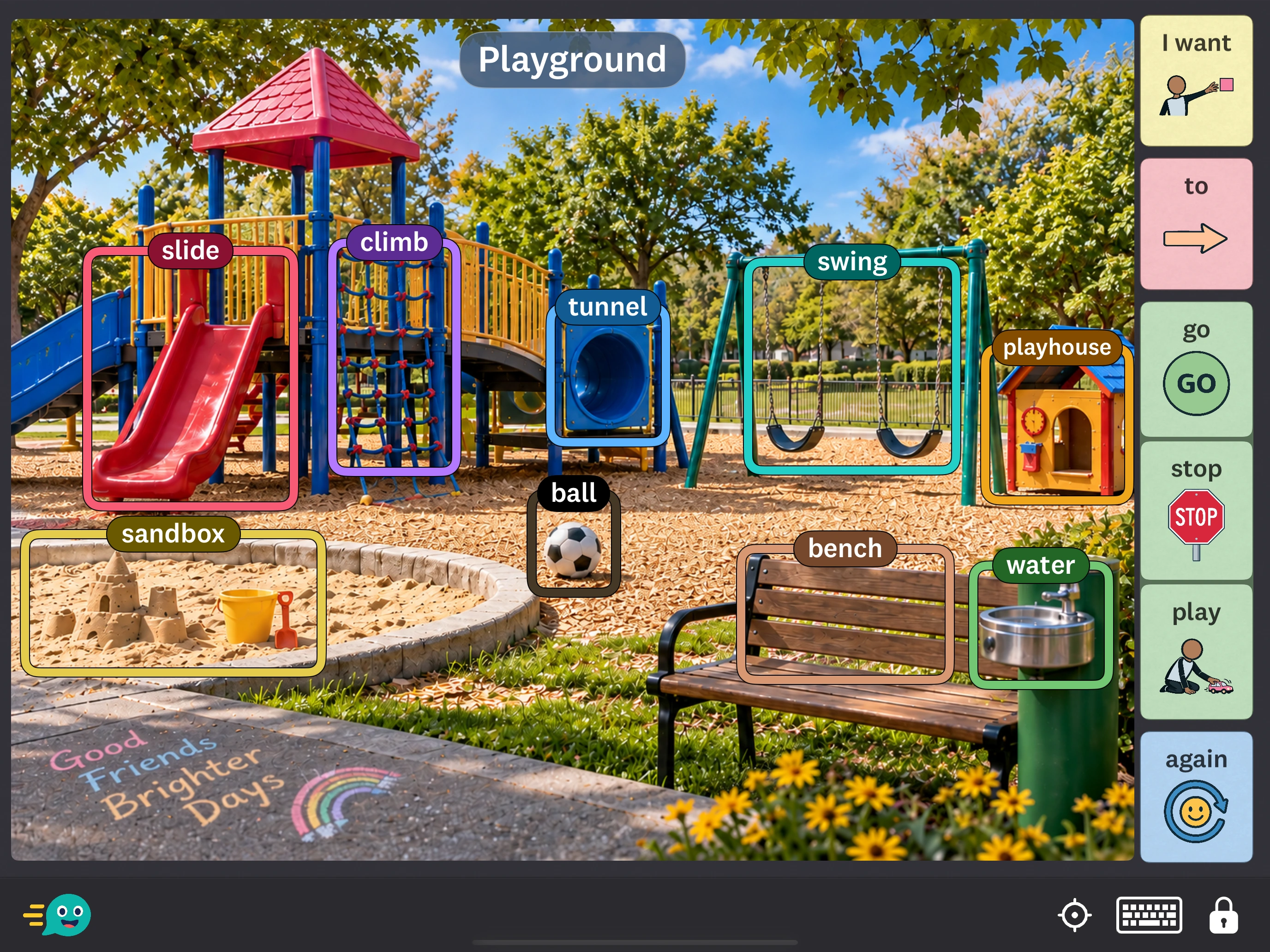

Choose an example above. Select the screenshot to take a closer look.
03 Symbols
Find the look
that suits you.
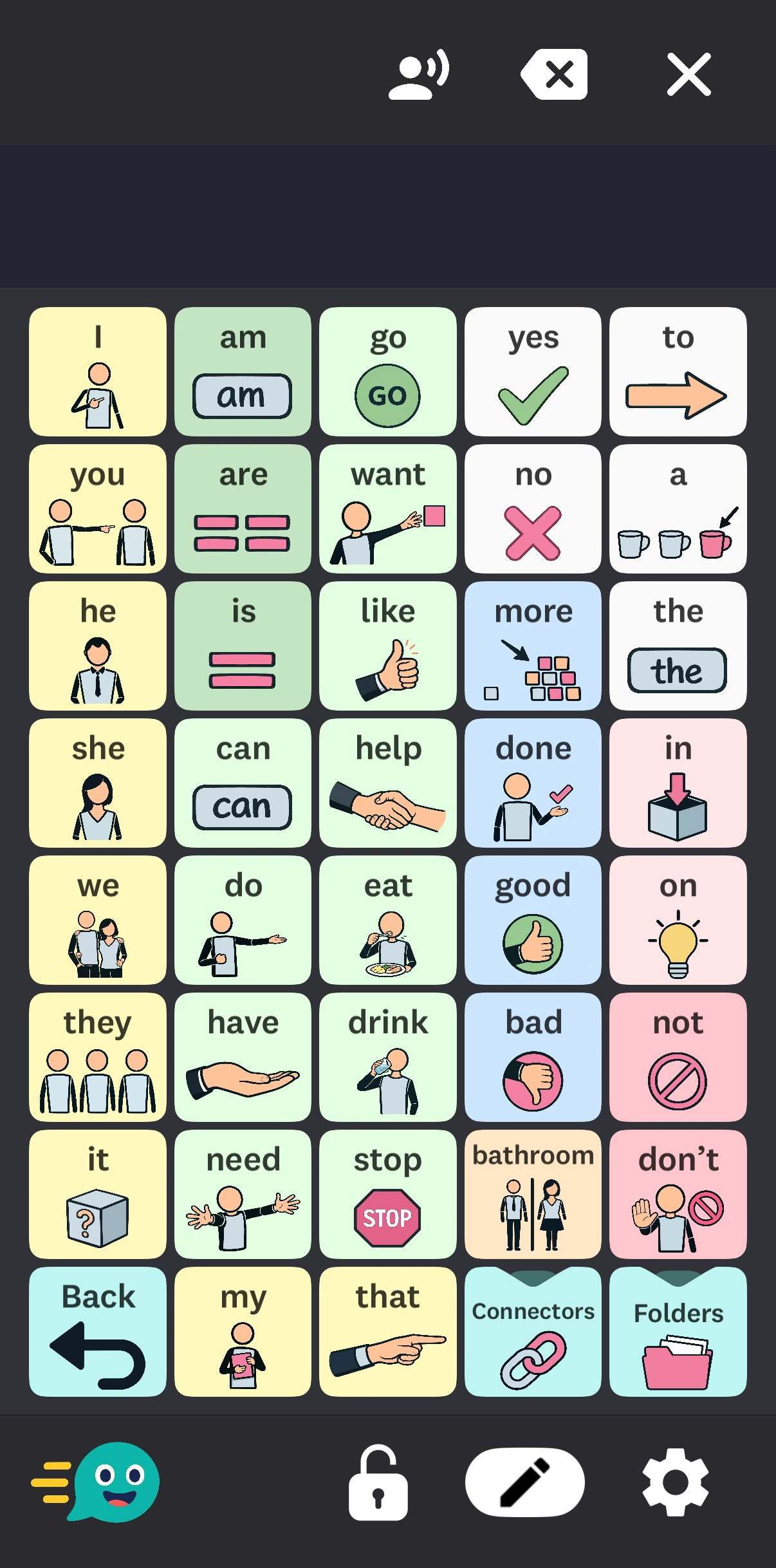
Choose from detailed Standard pictures, simpler FluentCore symbols, playful FluentCore Flair, or the bright colors of FluentCore Focus.
FluentCore, FluentCore Flair, and FluentCore Focus are Premium features.






Playful symbols with carefully chosen colors for light and dark backgrounds.
See it in the app


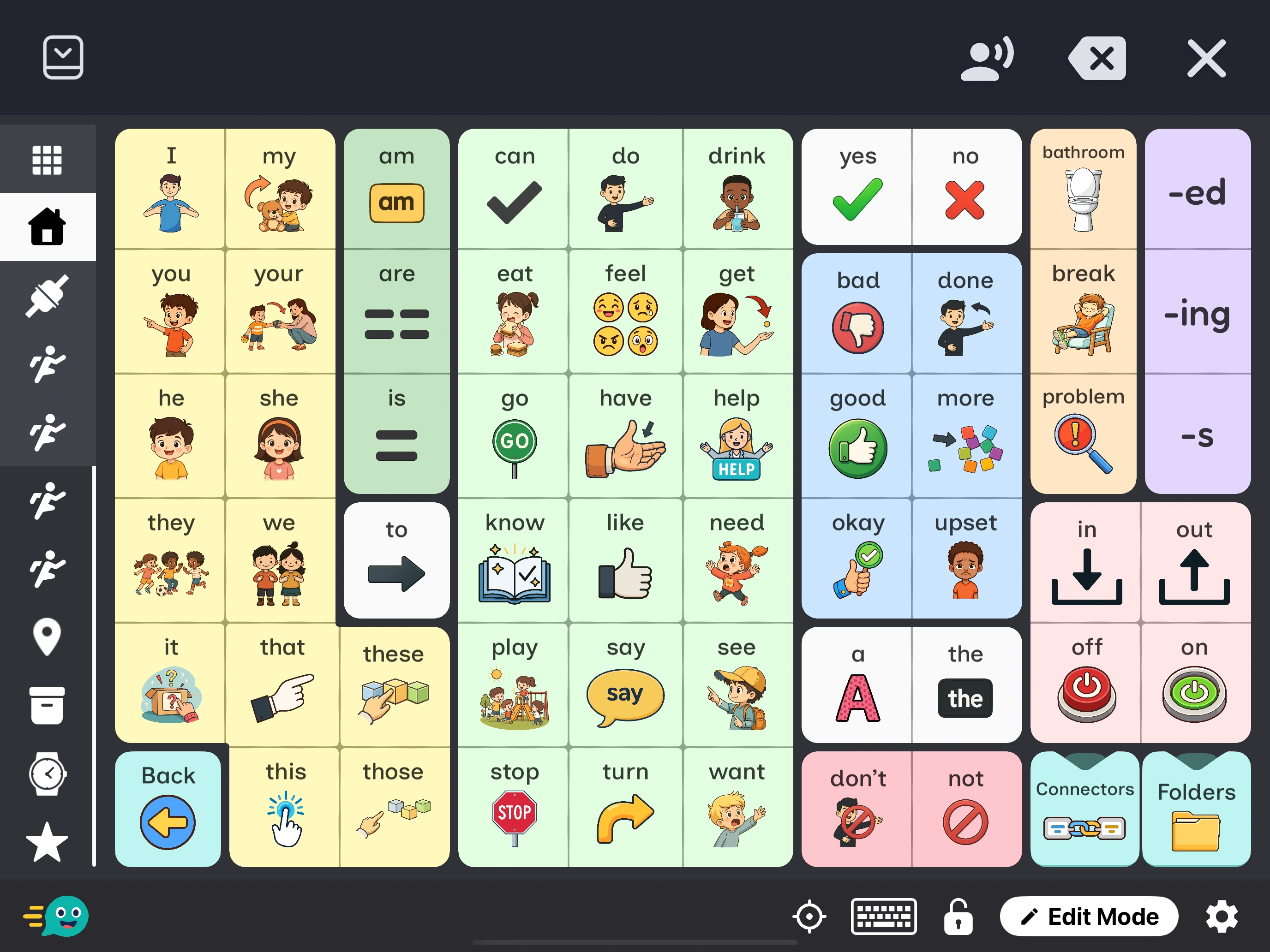
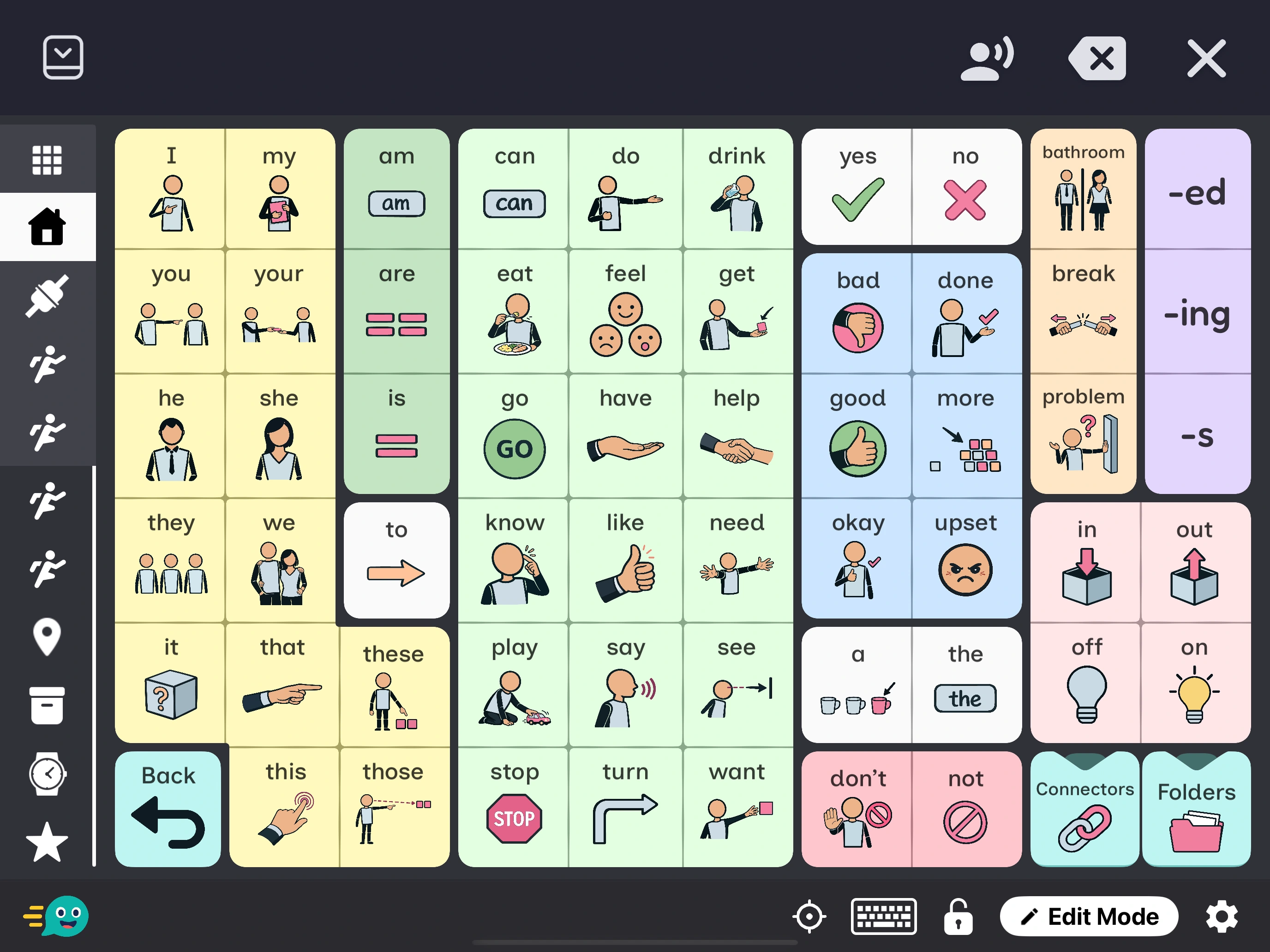
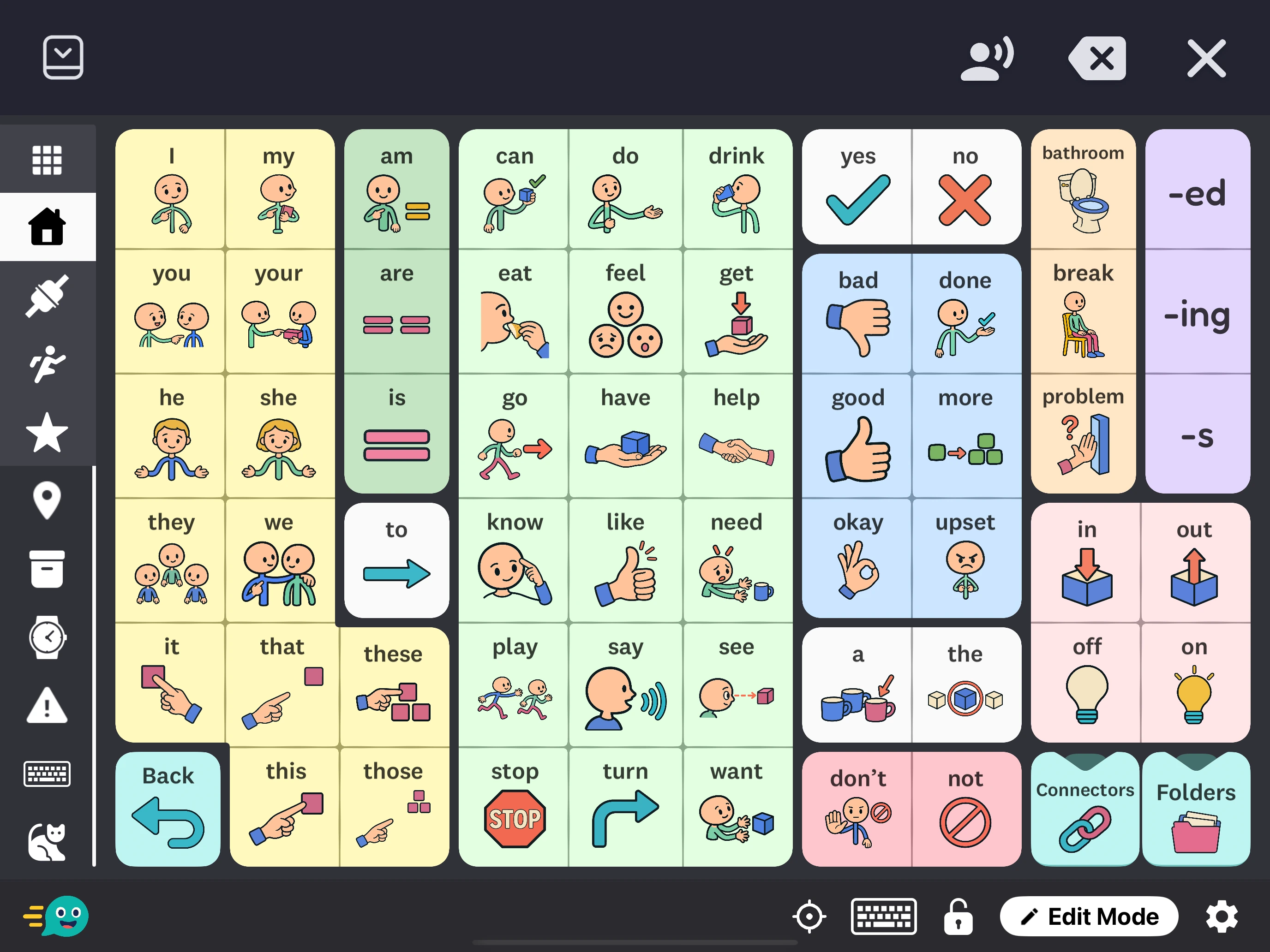
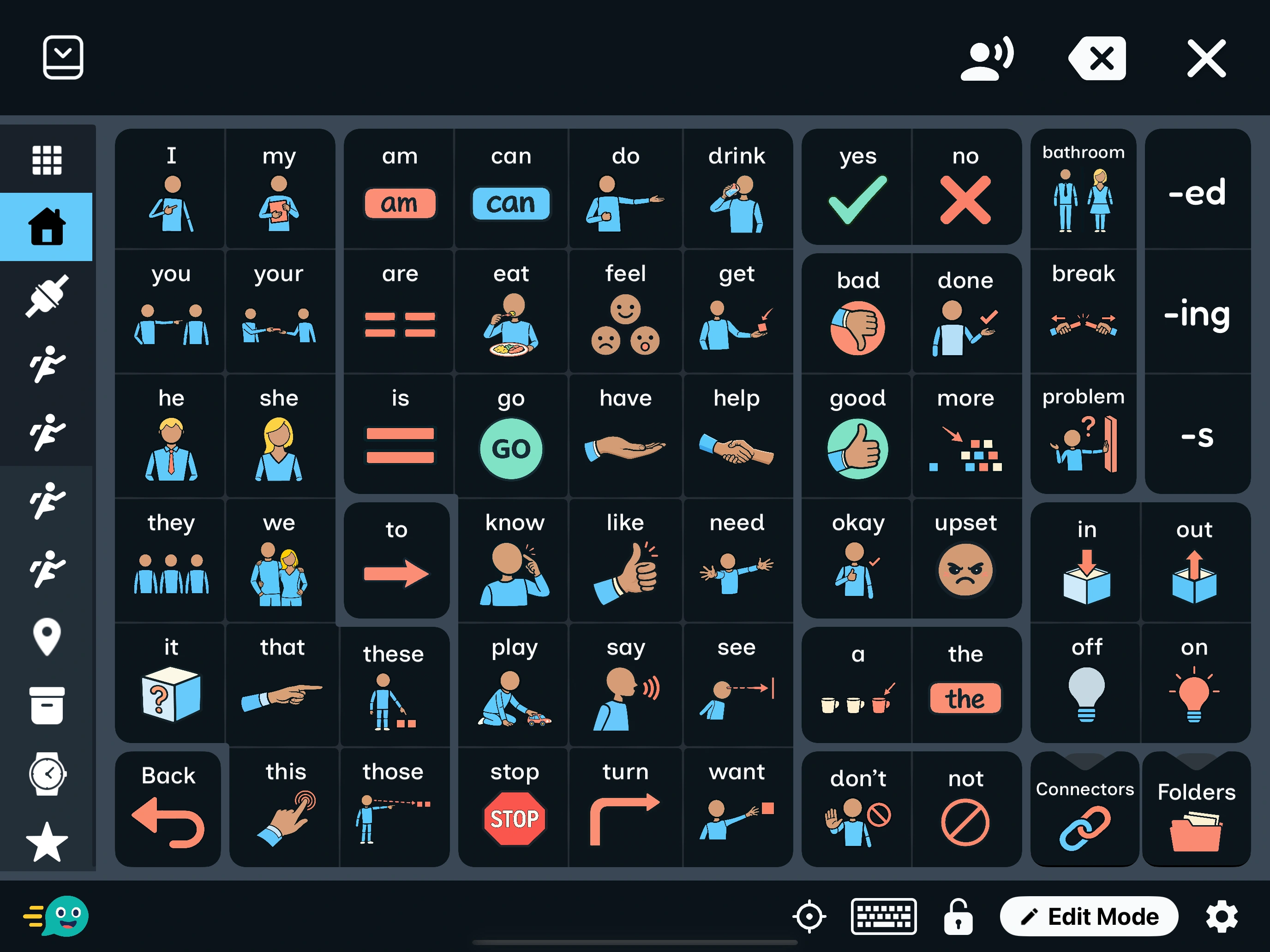
04 Personalization
Make it
your own.
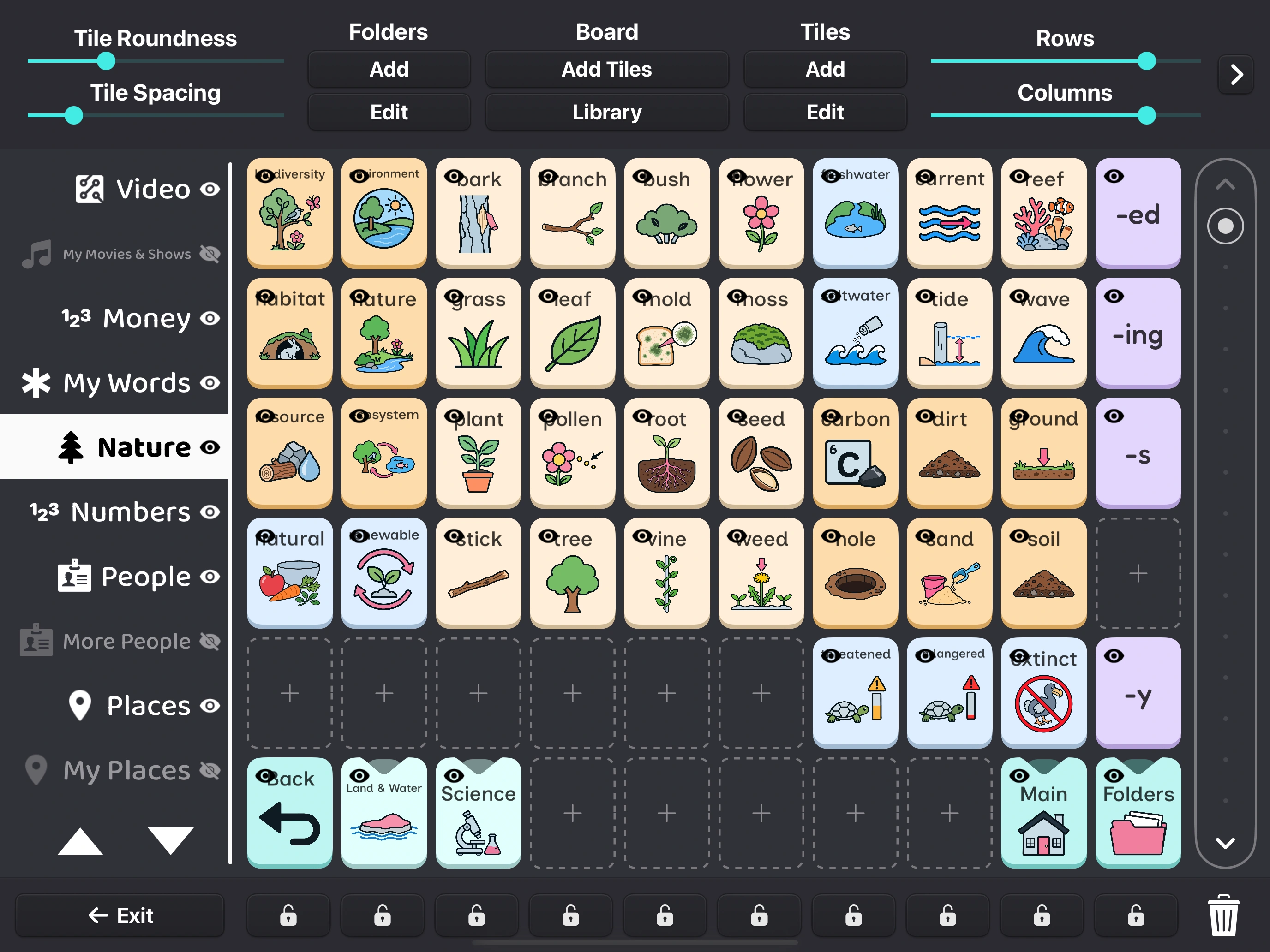
Add familiar faces and favorite things with your own photos, words, and recordings.
A layout that works for you
Give your tiles more space, change their size, or choose a different grid.
Photos from your life
Add a photo of someone you know, or record a message in a familiar voice.
A comfortable look and sound
Choose colors you like and a voice from those available on your device.
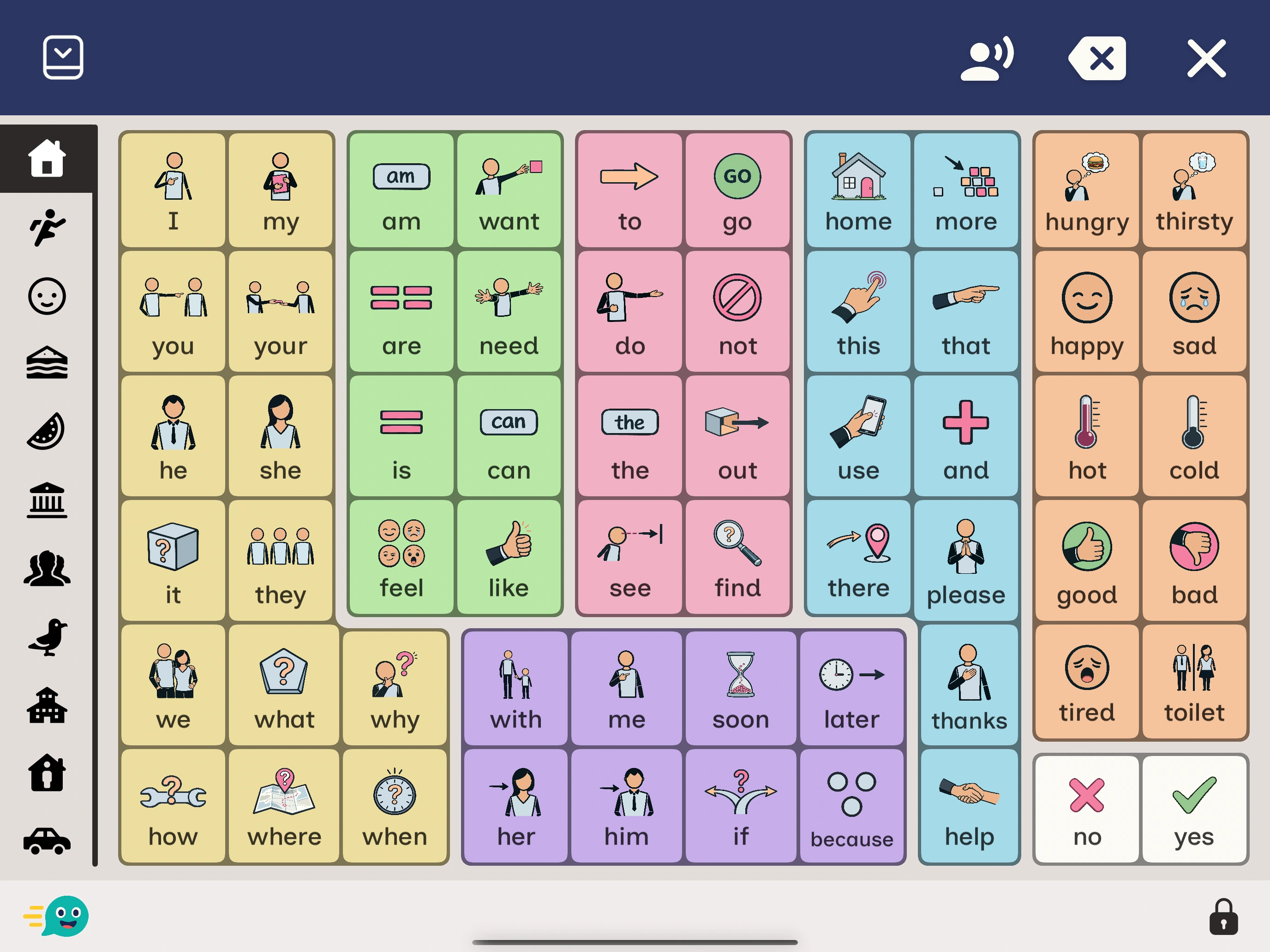
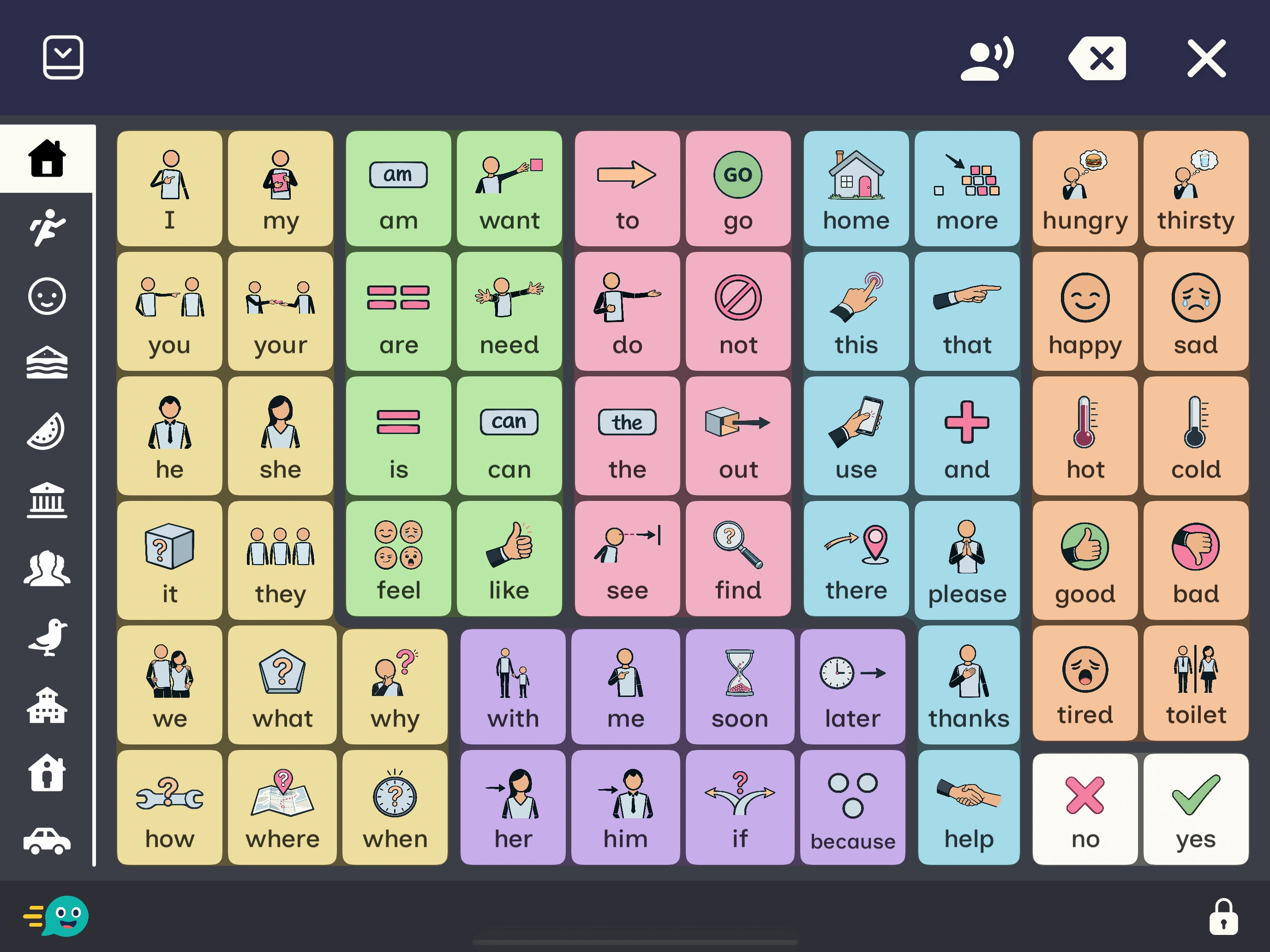
Appearance
Find a comfortable view.
Try light and dark schemes, then adjust the tile colors until they feel right for you.
Select a view to see the same page in the app.
05 First use
Start with a few
familiar words.
-
Get the app
Available for iPhone, iPad, and Android phones and tablets.
-
Choose a starting page
Take a look at the available layouts and vocabulary, and pick a page to begin.
-
Add your own words
Start with a favorite person, food, or activity. You can add more whenever you’re ready.
Help
Have a question?
The user guide covers the details, and you can email us if you need a hand.
Support & guidesWhat is AAC?
Augmentative and alternative communication (AAC) includes ways of communicating that support or provide an alternative to speech. Fast AAC lets you choose words and pictures and use your device to speak a message.
Is Fast AAC free?
Fast AAC is free to download, with an optional one-time Premium upgrade and no subscription. Premium includes additional folder access, FluentCore symbol styles, and more speech and backup options. Check the app for features and your app store for current pricing.
Does it work without an internet connection?
Once your vocabulary and chosen device voice are downloaded, you can use them without an internet connection. Online content, such as YouTube videos, still needs internet access.
Can I add my own pictures and recordings?
Yes. Add your own pictures, write messages, or record audio for your tiles.
Which languages and voices can I use?
You can change the written language in Fast AAC. The voices you can use depend on your device and any voice downloads you’ve installed. Options can differ between iOS and Android.
Where can I find help?
Explore the interactive user guide for visual explanations and short steps. You can also email support@fastaac.com.

Fast AAC
Try Fast AAC
for yourself.
Free to download. Optional one-time Premium upgrade.
No
subscriptions.
Available for iPhone, iPad & Android.